Quickstart
Installation
To use PySpace , first install it using git:
Warning
Make sure to git clone PySpace in the directory of your project.
(.venv) $ git clone https://github.com/CapernicusPY/pyspace
(.venv) $ pip install -r requirements.txt
Your project structure should look like this after the installation:
├── my_first_project
│   ├── pyspace
Now, create a main.py file. This file is self-explanatory, it will be our main file for this quickstart project.
Initialization
To start using PySpace, firstly you need to initialize it.
In the main.py:
1import pyspace
2
3nasa = pyspace.PySpace()
Congrats! Now you are ready to explore our universe. Before that, lets do a quick recap!
We git cloned pyspace to our project folder, we created a main.py file and inside it we initialized pyspace.
Picture Of the Day
NASA’s rovers and satellites take pictures of the space every single day!.
Now you will learn how to fetch this pictures by yourself.
Inside your main.py file, simply type:
1nasa.picture_of_the_day()
Attention
Make sure, your main.py looks like this:
1import pyspace
2
3nasa = pyspace.PySpace()
4
5nasa.picture_of_the_day()
Alright! You are now ready to execute your program.
Tip
To run directly in CMD or in any other shell make sure to cd to your projects directory.
cd my_first_project
python main.py
The output, should look something like this:
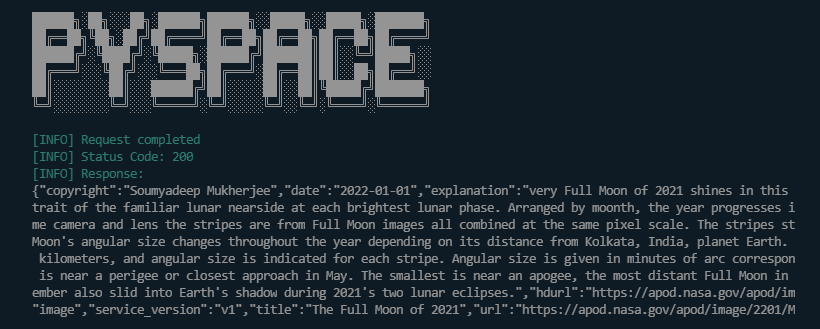
(Output content may vary)
You can also customize the output to your needs. But we will not focus on that since this is the quickstart.